 Hatnik
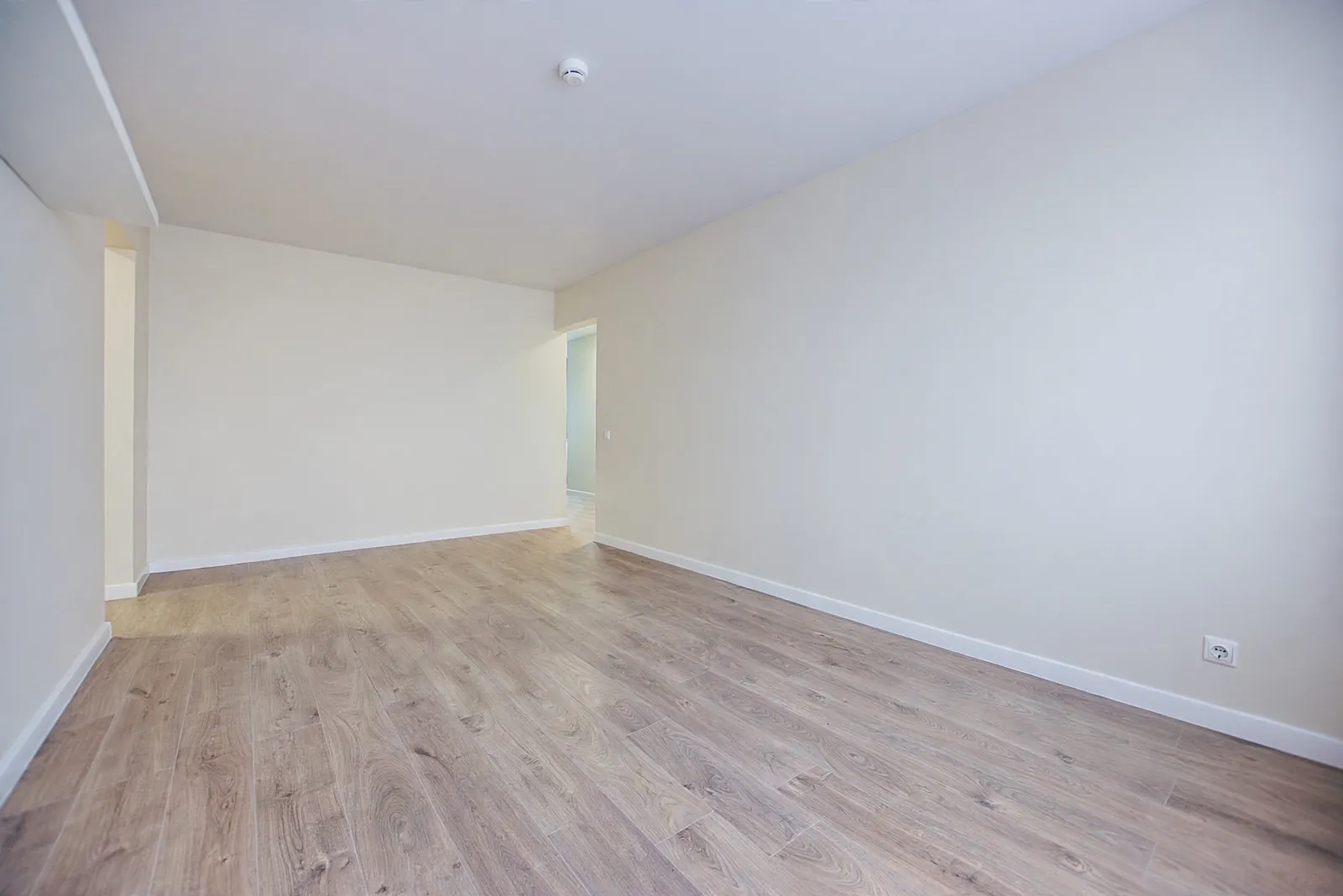
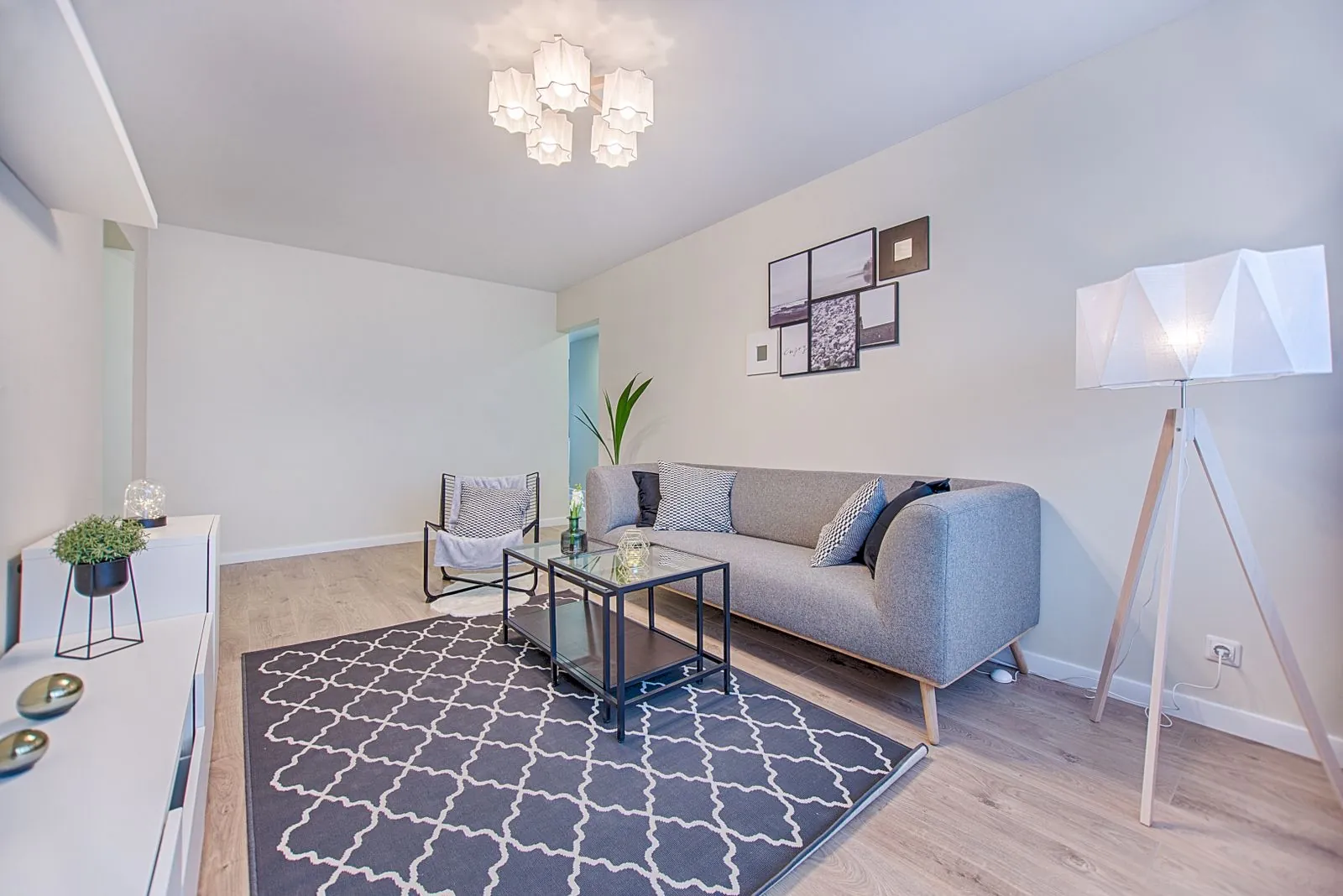 BeforeAfter
Empty the room
See your space down to bare walls — before you move in or start over.
Asked for: Remove everything, decor and curtains too
Your room, your walls, your light
Found a sofa online? Take a photo of your room, add the sofa, and Hatnik shows it standing there — not in a showroom, not in a 3D template, but in the room you actually live in.
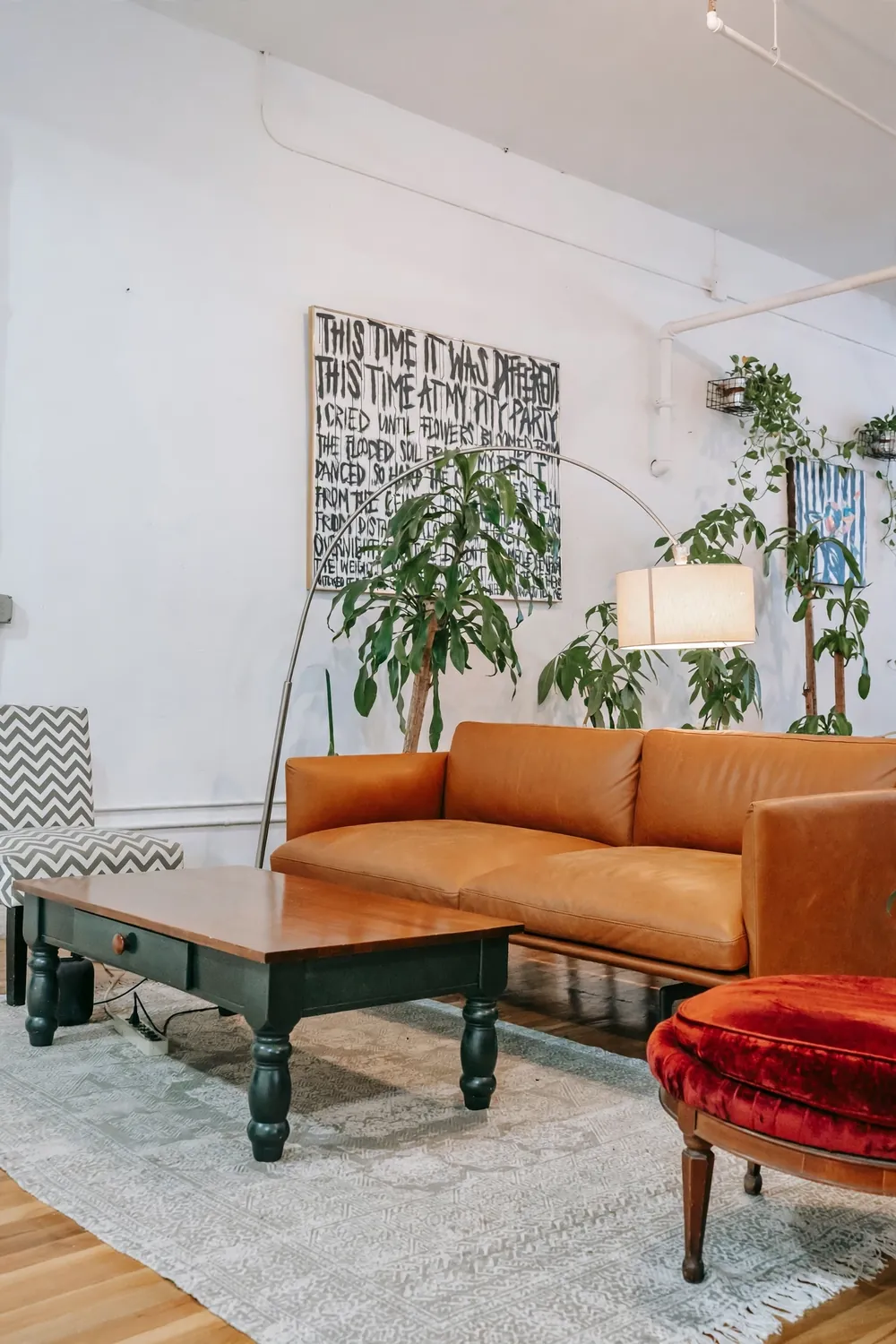
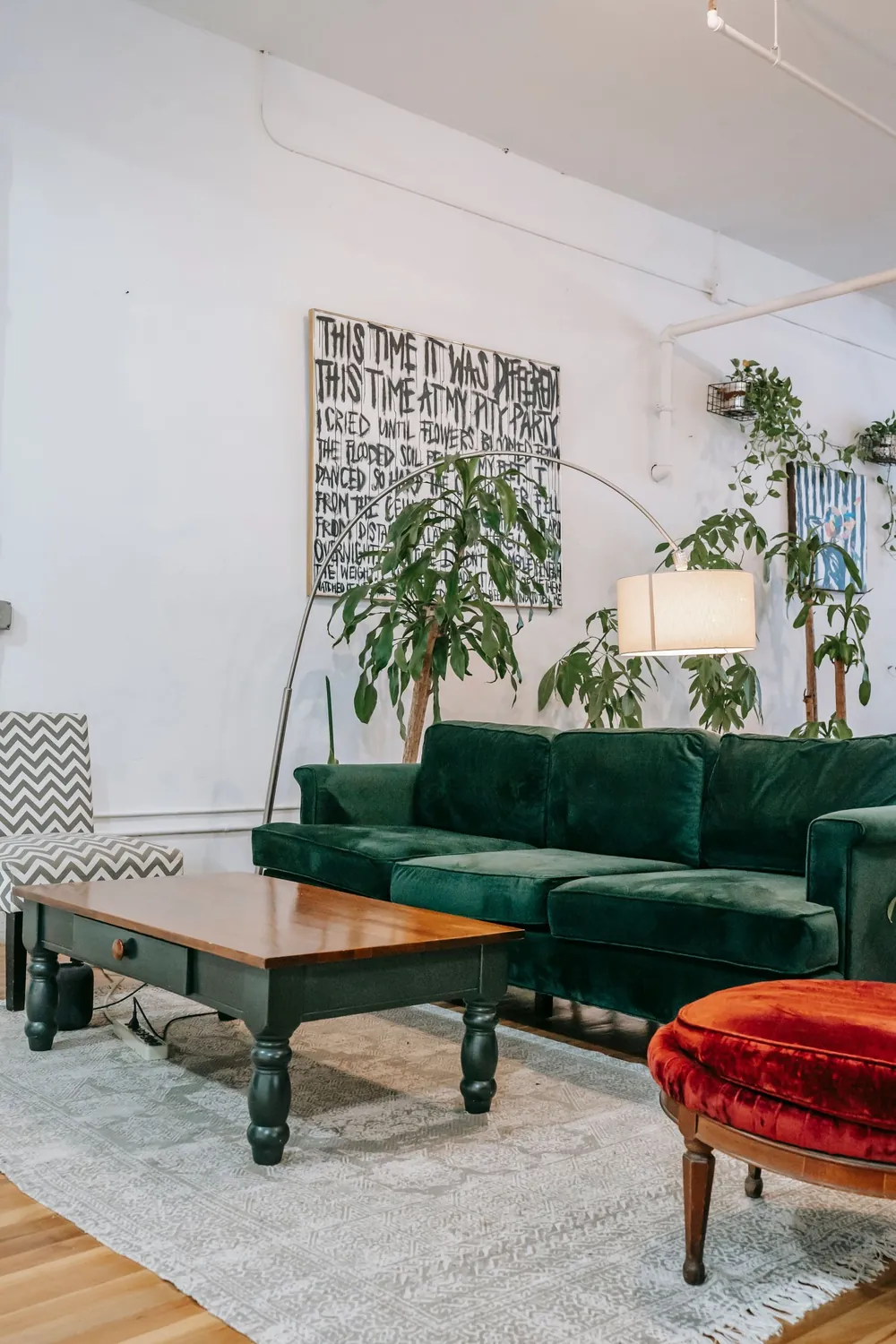 BeforeAfter
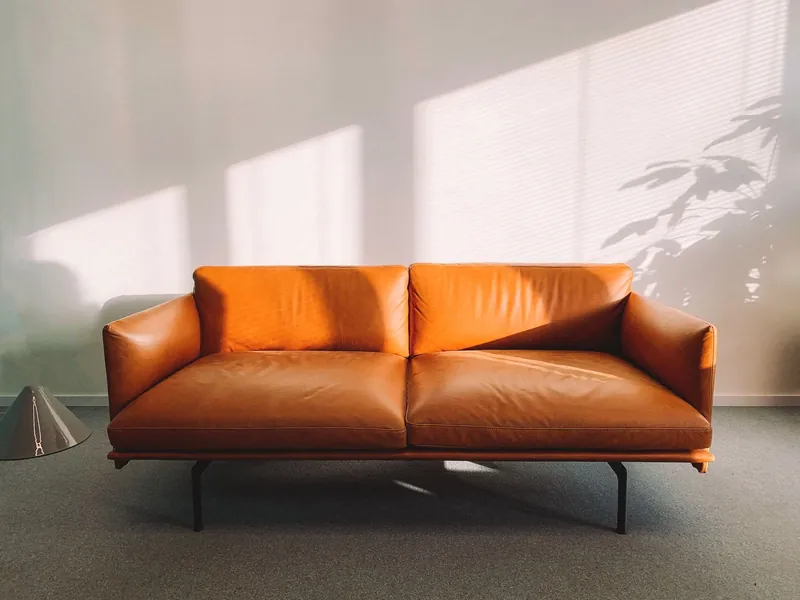 Added: this sofaSwapped in for the old one. The rug, the table and the plants stay.
Real results from the app. Drag the divider to compare with the original photo.
BeforeAfterSee your space down to bare walls — before you move in or start over.
Asked for: Remove everything, decor and curtains too
 BeforeAfter
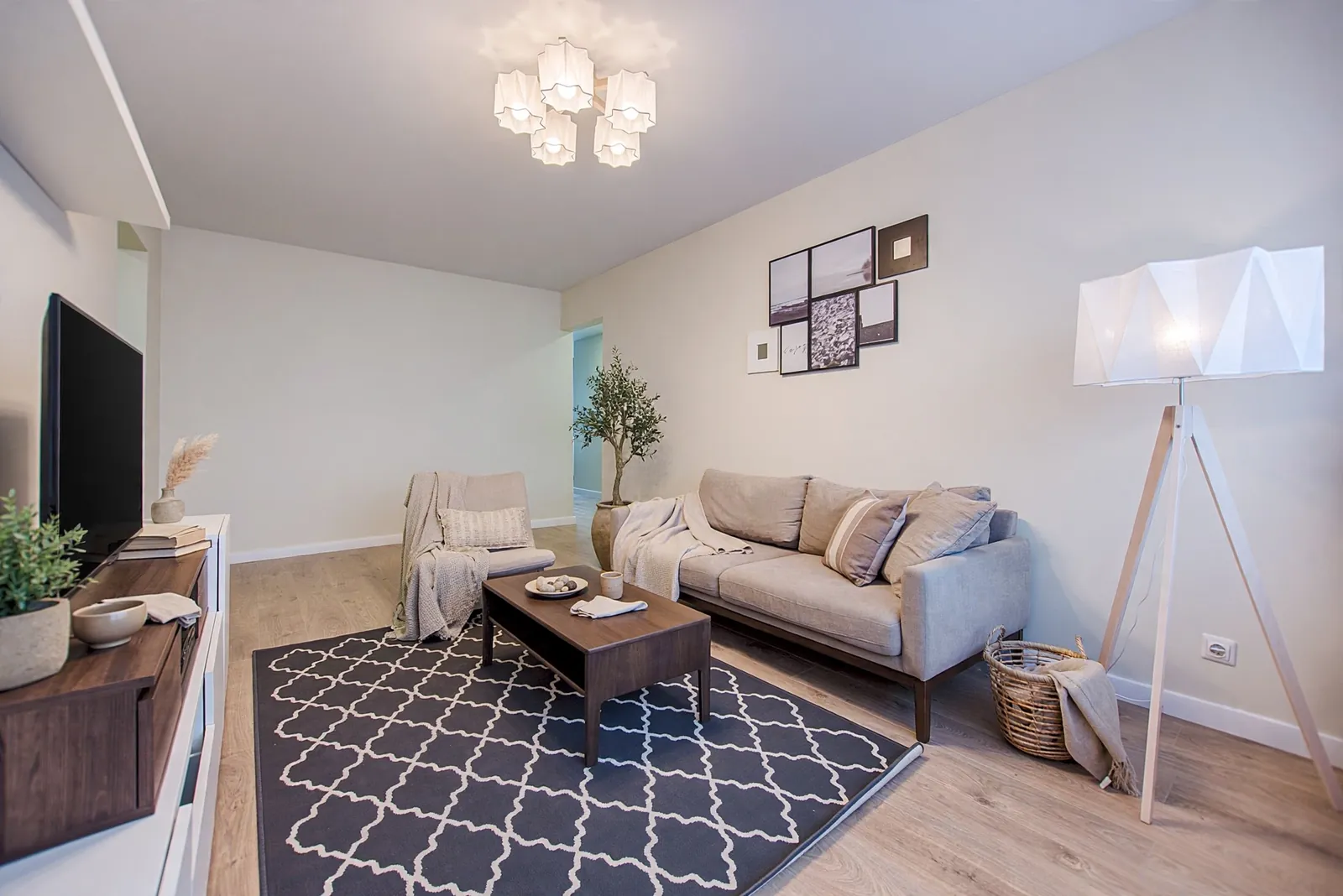
Scandinavian, japandi, loft and more, arranged around your own windows and doors.
Asked for: Japandi, cosy, replace the existing furniture
 BeforeAfter
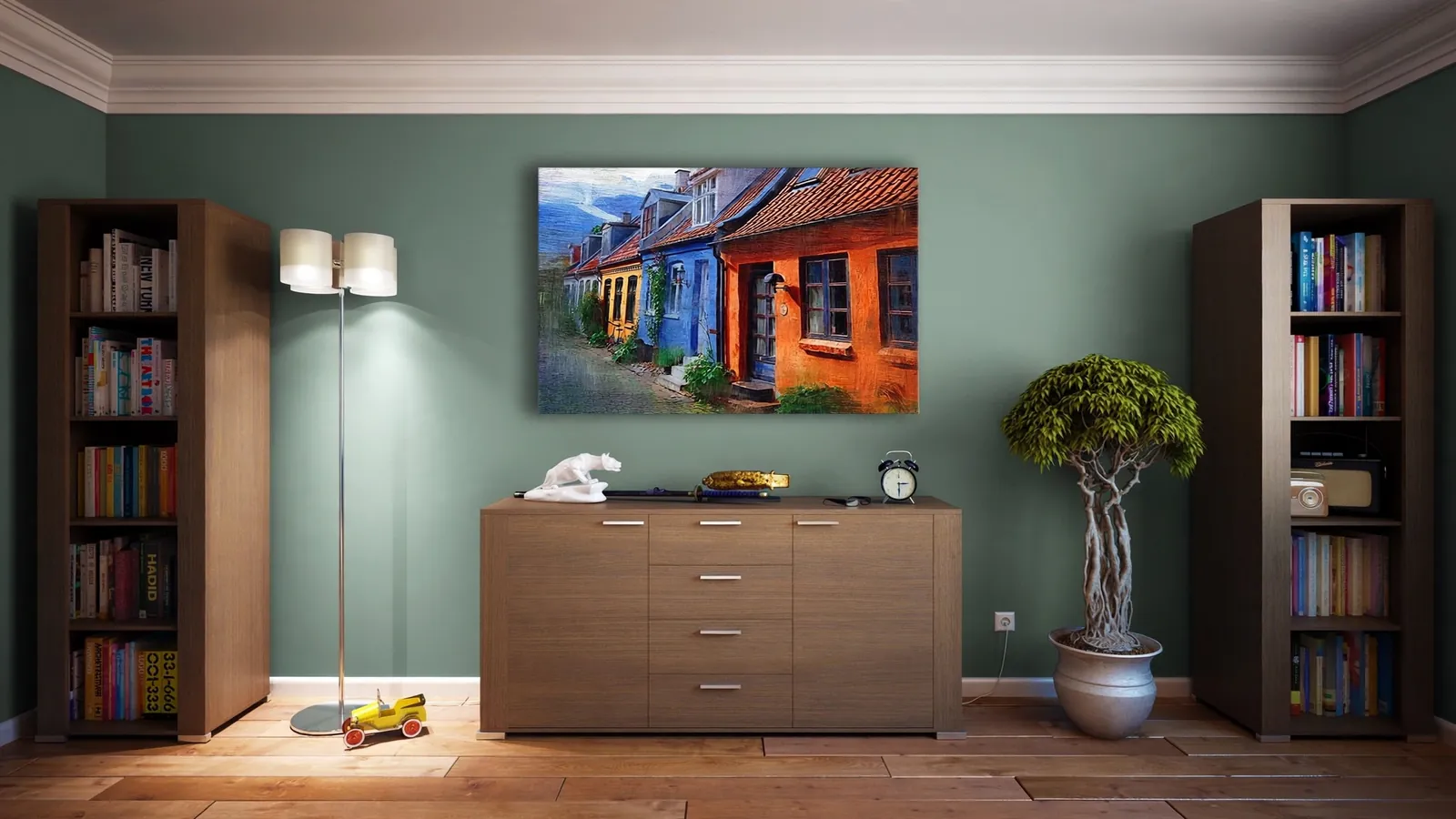
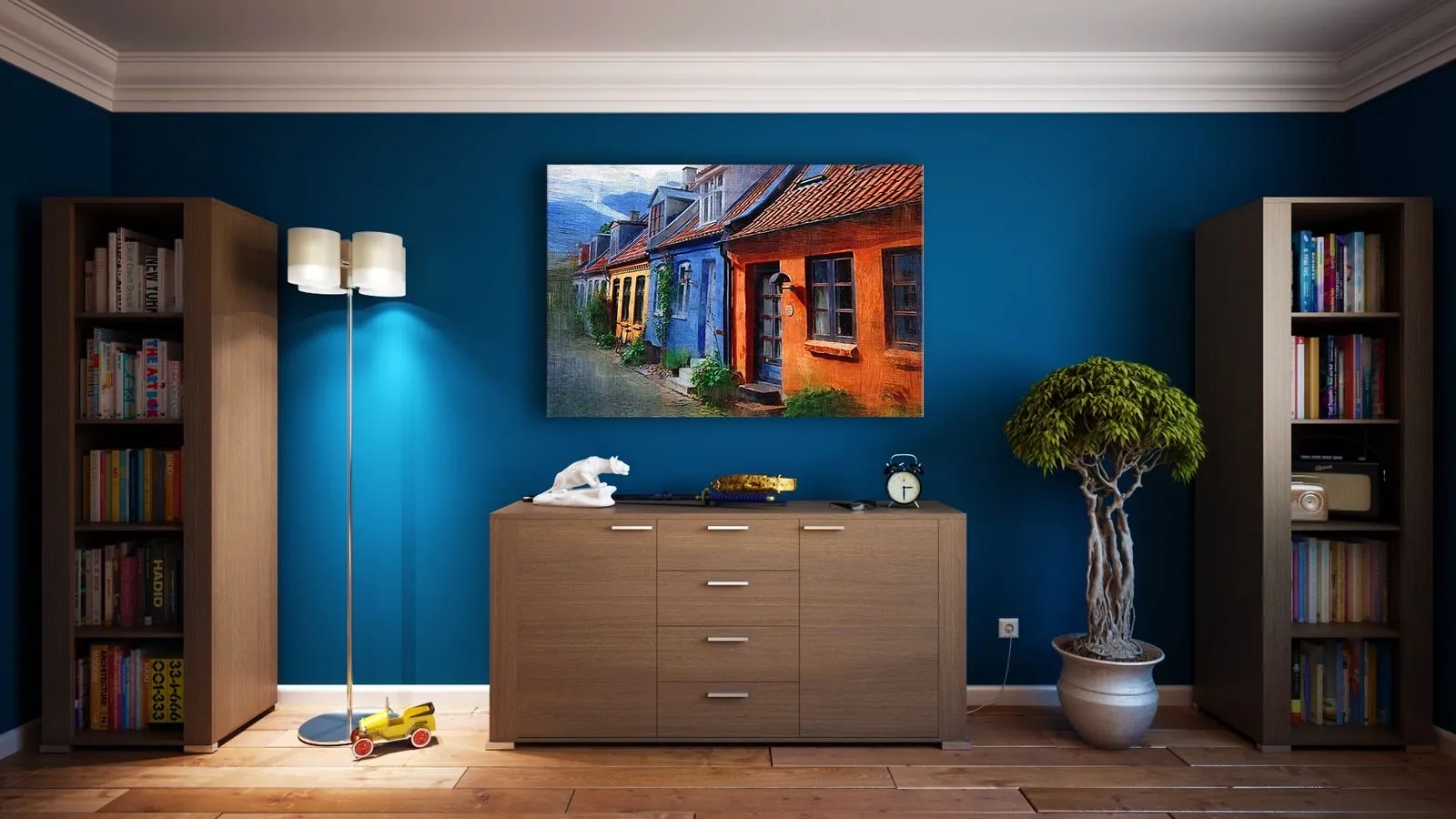
Mark a wall, a sofa or the floor and try a new shade without touching anything else.
Asked for: Walls in sage green, matte
Any room you live in: living room, bedroom, kitchen, balcony.
Add a piece of furniture, pick a style, mark a wall to recolour — or empty it all.
Hold to compare with the original. Every attempt stays in your project; save or share the ones you like.
Place one to three pieces from any shop. Keep what is there, swap the old piece for the new one, or clear the room first.
Everything goes, down to bare walls. Keep the decor, curtains or fitted units if you like.
A whole room in Scandinavian, japandi, loft and more — furniture, fitted units, textiles and decor.
Change the colour, and the sheen if you want, of exactly what you mark — and nothing else.
Mark an empty corner, get ideas for what could go there, and see the one you pick in place. Ideas are free.
Walls, windows, flooring, the camera angle and the lighting are kept as in your photo; only the furniture and decor change. Every result is checked automatically before you see it, so what you get looks like your room — because it is.
Your projects and photos live on your phone. A photo is sent to our server only while a picture is being generated, and it is not stored there.
Start with free credits and buy more in the app when you need them. No subscription, credits never expire, and if a generation fails, the credits come back.
No. Walls, flooring, windows, doors, the camera angle and the lighting are kept as in your photo; only the furniture and decor change. Recolour is the one exception: it changes the colour of exactly what you mark — a wall included — and nothing else.
Yes. Add one to three pieces from a photo, a screenshot or a shop link. Some large shops block apps from reading their pages; if a link does not work, save the product photo or take a screenshot and add it from your gallery instead.
A clear, well-lit photo that shows the whole area where the furniture should go. Every attempt is kept in your project, so you can generate again and compare the results.
English and Belarusian.
Each generation costs credits; the price is shown on the mode's screen before you start. A new device receives free credits to try the app, and more can be bought in the app. There is no subscription, and credits do not expire. Ideas in “Fill a space” are free, with a daily limit.
No. If a generation fails, its credits are returned to your balance in full, automatically.
Payment is confirmed by our server after the store approves it, which can take a moment. If the confirmation does not finish, the app retries it the next time it is opened with an internet connection, so keep the app installed and open it again. If the credits are still missing, write to goman.live.service@gmail.com with your account ID and the order number.
Payments are processed by Apple and Google, so refunds are requested from them: reportaproblem.apple.com for the App Store, or Google Play refund help for Google Play. Credits from a refunded purchase are removed from your balance.
Credits are a consumable purchase, so there is nothing to restore: your balance is kept in your account on our server. Sign in on another device the same way (email, Apple or Google) and your balance will be there.
No. Your projects and images live on your phone. A photo is sent to our server only while a picture is being generated, and it is not stored there. Details are in the Privacy Policy.
No. Because projects are stored only on your device, they are removed together with the app. Save the results you want to keep to your gallery. Your credit balance, however, moves with your account.
Open Settings → Account → Delete account in the app, or follow the steps on the account deletion page.
Hatnik is named after the house spirit of Belarusian folklore — the quiet keeper of the home.